Good. I’d build this as a clean three-place iPhone knowledge hub with a strong homepage and a very clear path into each layer.
Site concept
Main structure
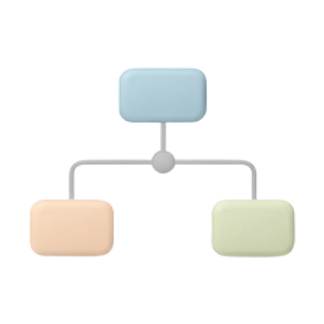
Three distinct spaces, each with a different job and audience.

Place one
Why iPhone is special for new users and switchers.

Place two
Daily improvements for current iPhone users.
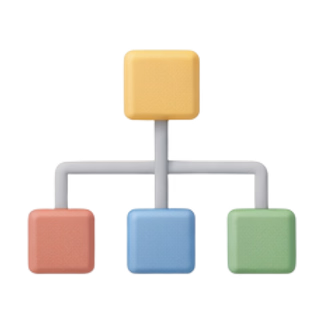
Ultimate place
Advanced workflows, Shortcuts, AI, and deeper system thinking.
Homepage
The homepage should guide people by stage, not overwhelm them with everything at once.

Place one outline
For people moving to iPhone or trying to understand why it feels different.
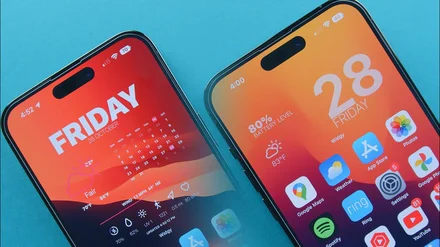
Why iPhone feels different
Polish, trust, and low-friction daily use.
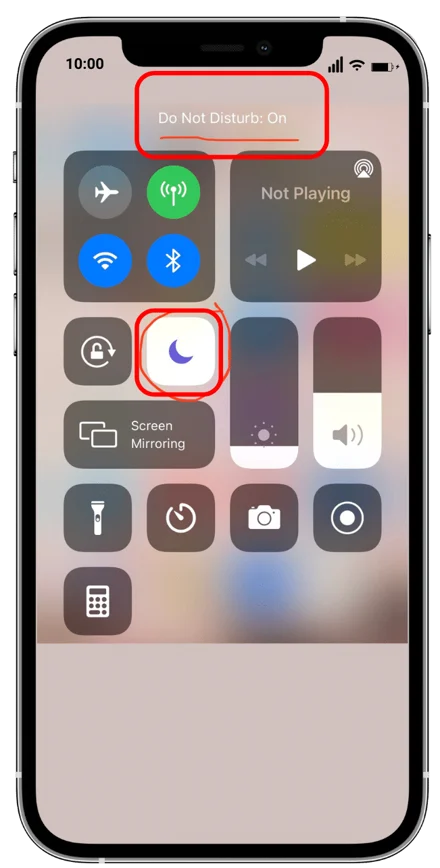
Hidden strengths
The useful parts people rarely explain properly.
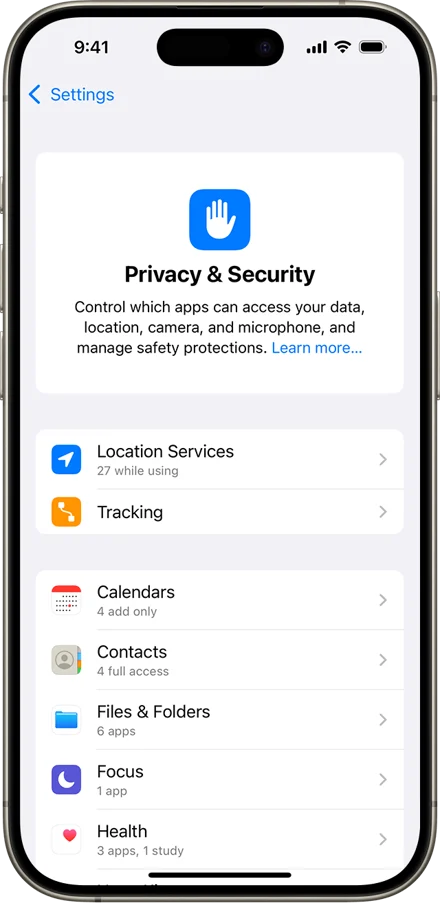
Privacy and safety
Quiet protections that matter in real life.
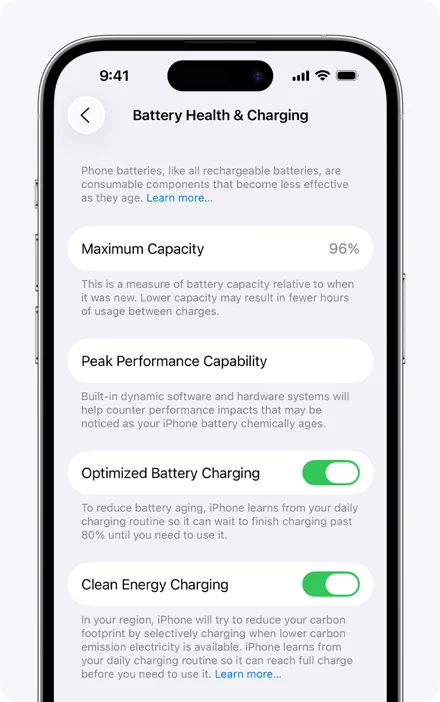
Battery and longevity
Why iPhones often stay useful for years.
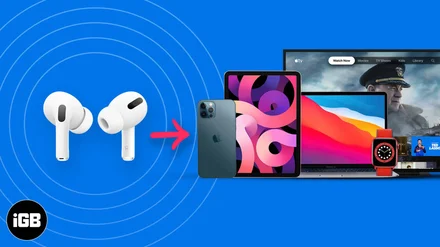
Why people stay
Ecosystem, continuity, and trust.
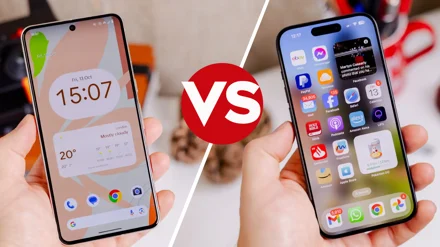
Switching from Android
A fair explanation of what changes and what improves.
Place two outline
For current users who want a cleaner, faster, smarter iPhone.
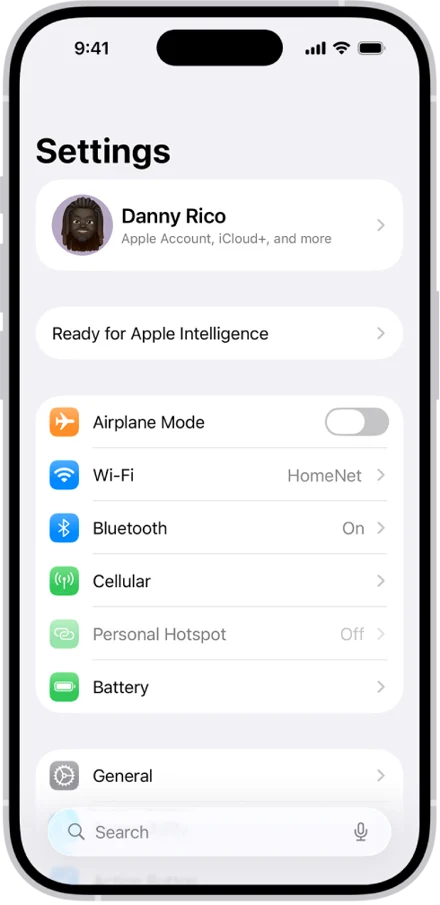
Settings that matter
The controls that improve daily use most.
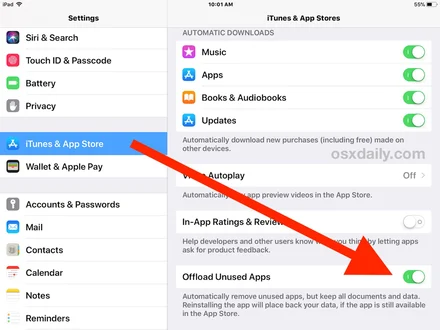
Storage and offloading
Reduce clutter without losing what matters.
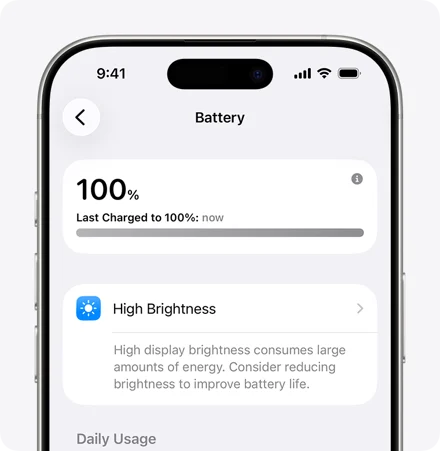
Battery saving
Practical habits, not myths.

Hidden tricks
Small built-in tools with big payoff.

Less clutter setup
A calmer phone is a better phone.
Per-app discipline
Tune notifications, permissions, and behaviour intentionally.
Ultimate place outline
For advanced users and the less publicly discussed side of iPhone.
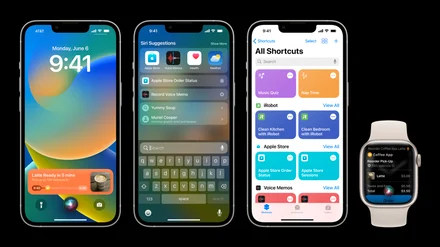
Shortcuts basics
Start simple, then think in systems.

Companion apps
The apps that extend Shortcuts deeply.
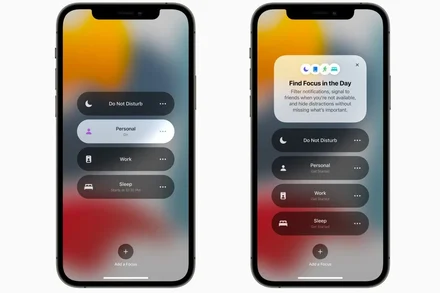
Mode-based iPhone
One tap changes the phone into another state.
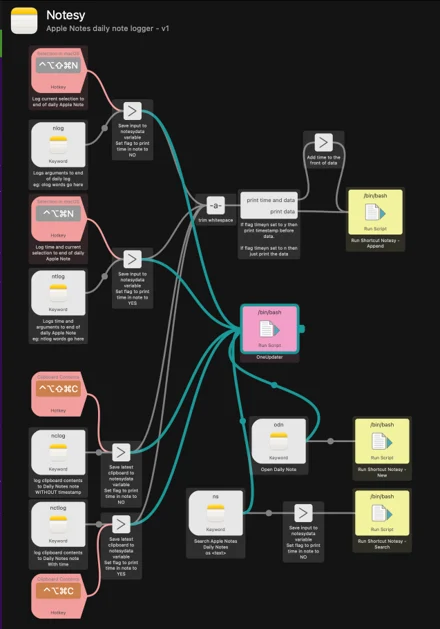
Knowledge systems
Capture, store, and retrieve information your own way.
AI on iPhone
Apple Intelligence, ChatGPT, and useful AI apps.
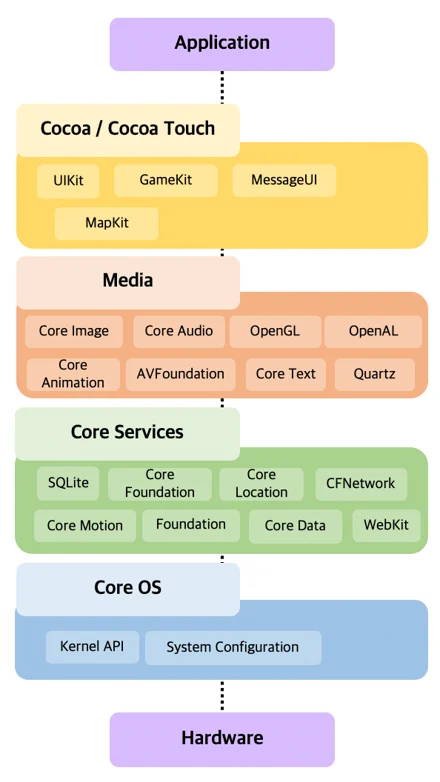
System philosophy
Why iPhone becomes powerful when understood as layers.
My recommendation
Good next steps